


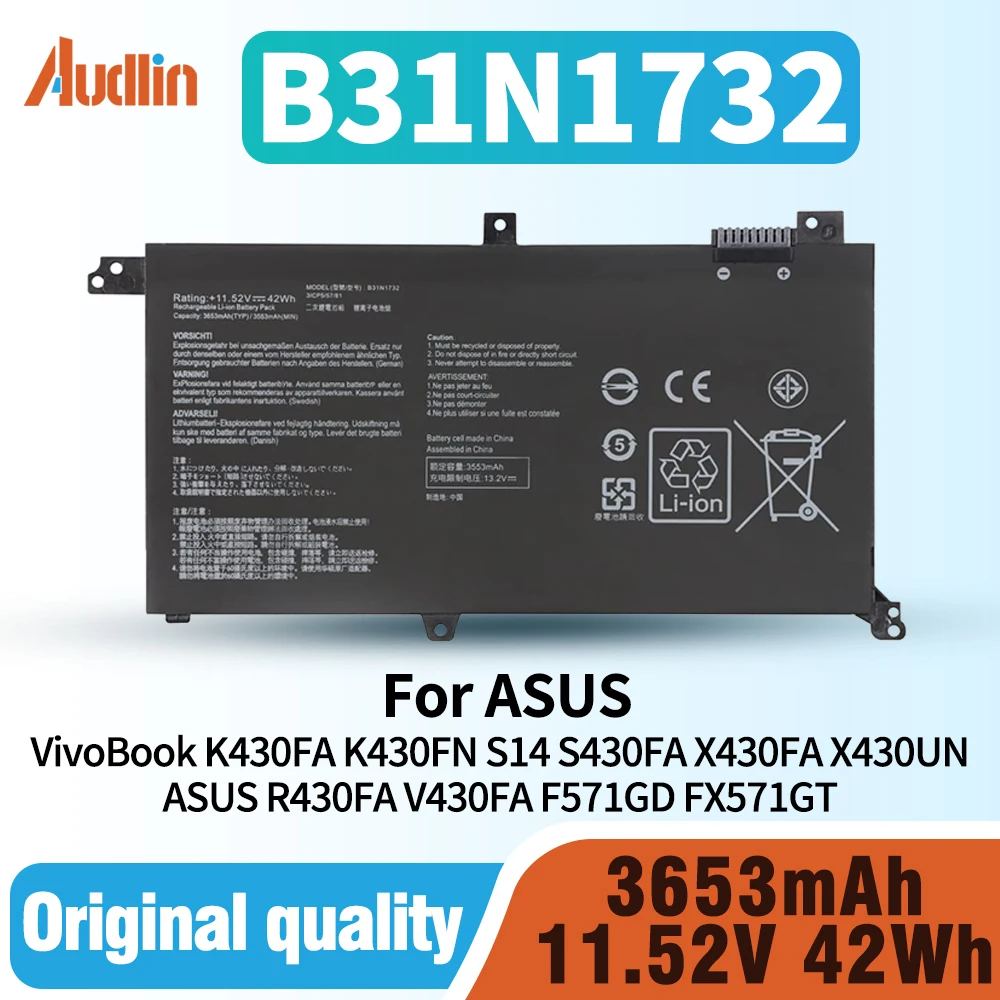
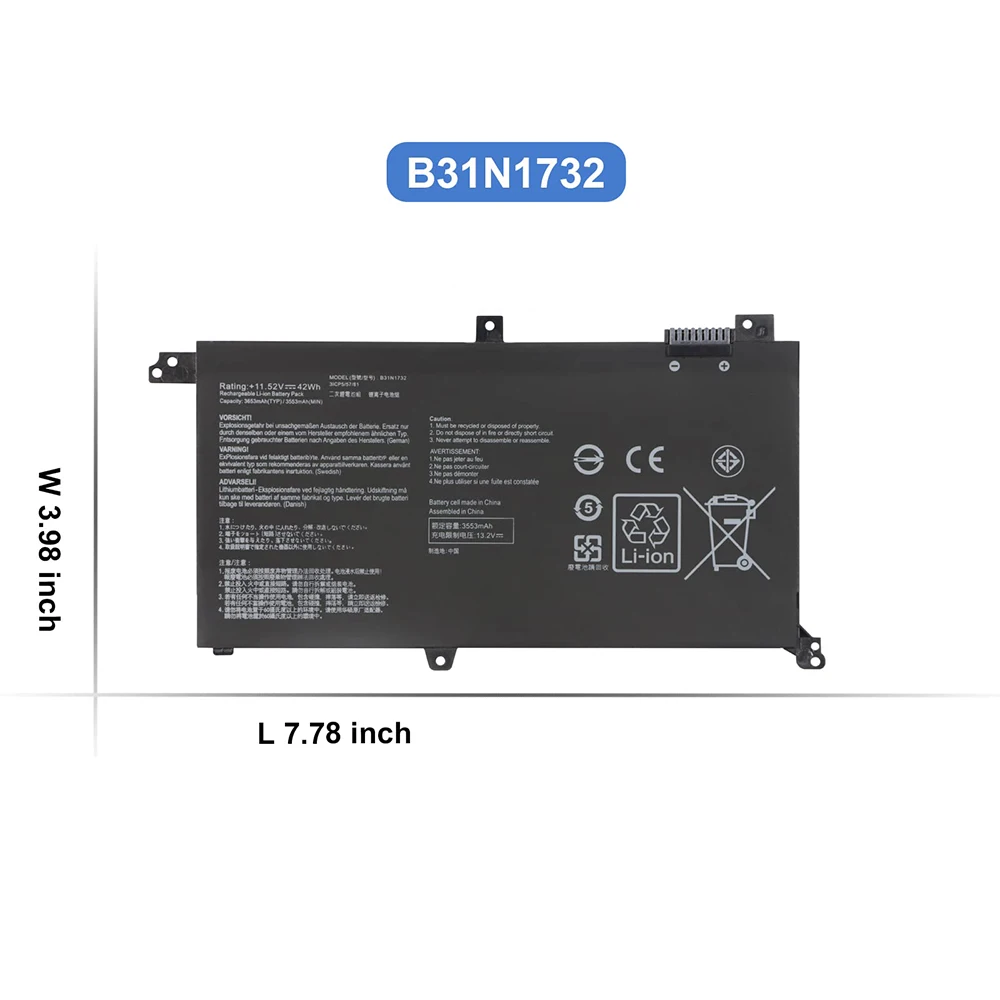
B31N1732 Battery for Asus VivoBook S14 S430FA S430FN S430UA S430UF S430UN X430FA X430FN K430FA K430FN K430UF R430FA R430FN 42Wh
Regular price $16.06SPECIFICATIONS
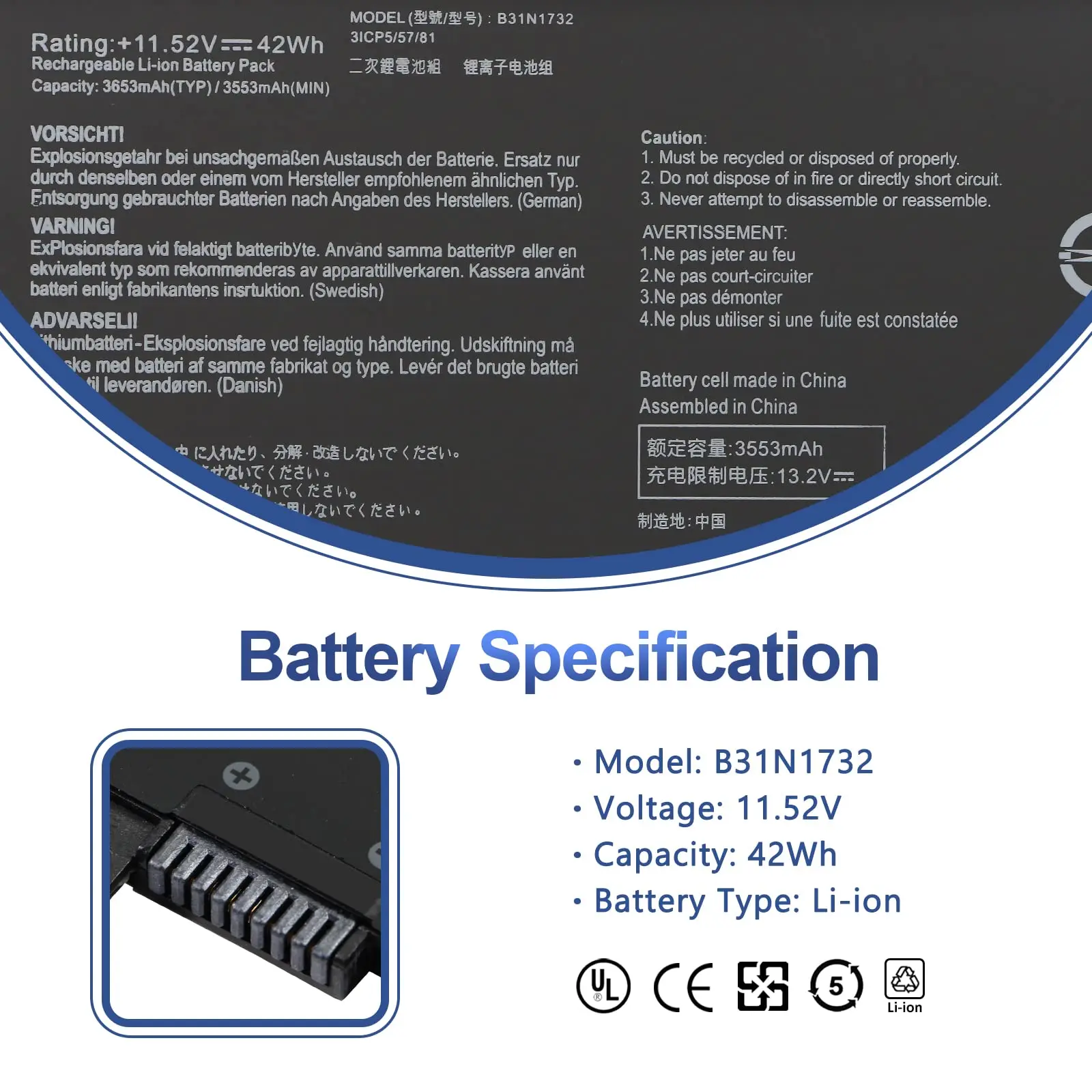
Battery Voltage: 11.52V
Batterytype: BatteryPack
Brand Name: DIXSG
Certification: CE
Compatible Brand: ASUS
Features 1: 100% New from Manufacturer
Features 10: 2-year warranty
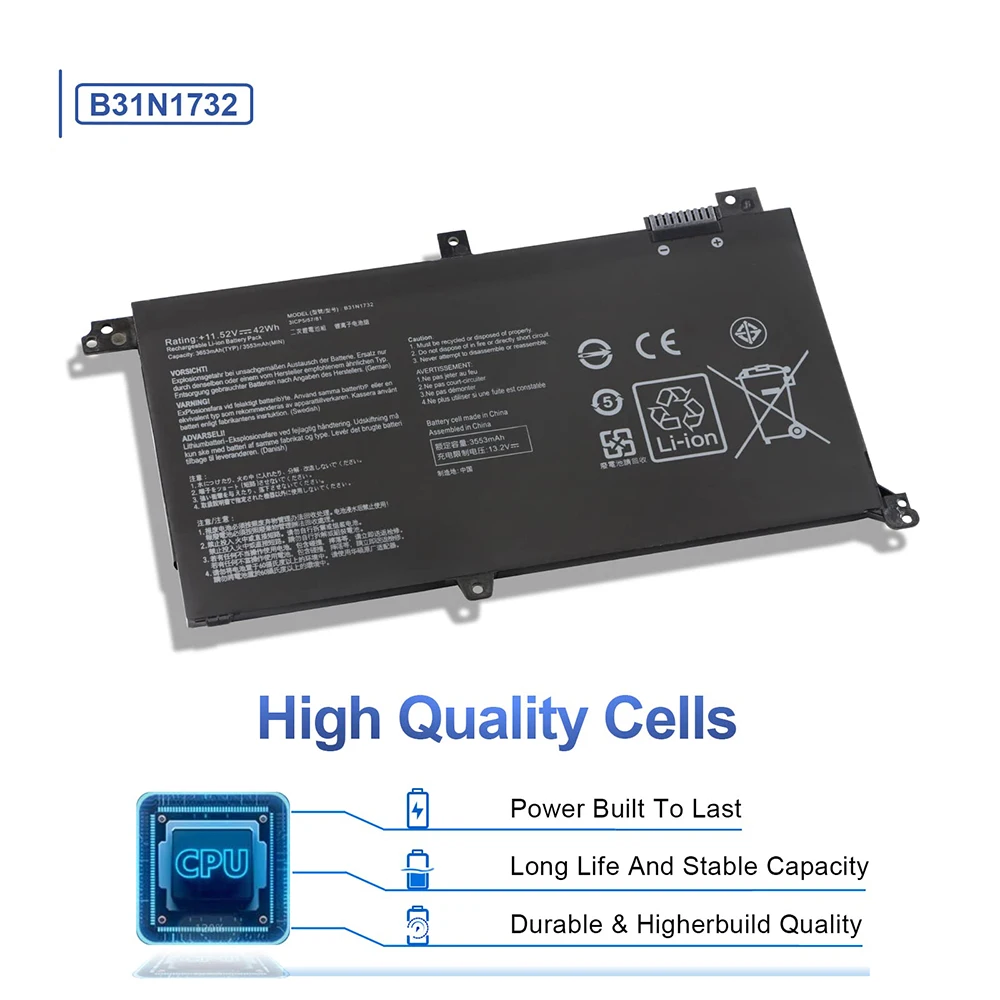
Features 2: Grade A++ Cell
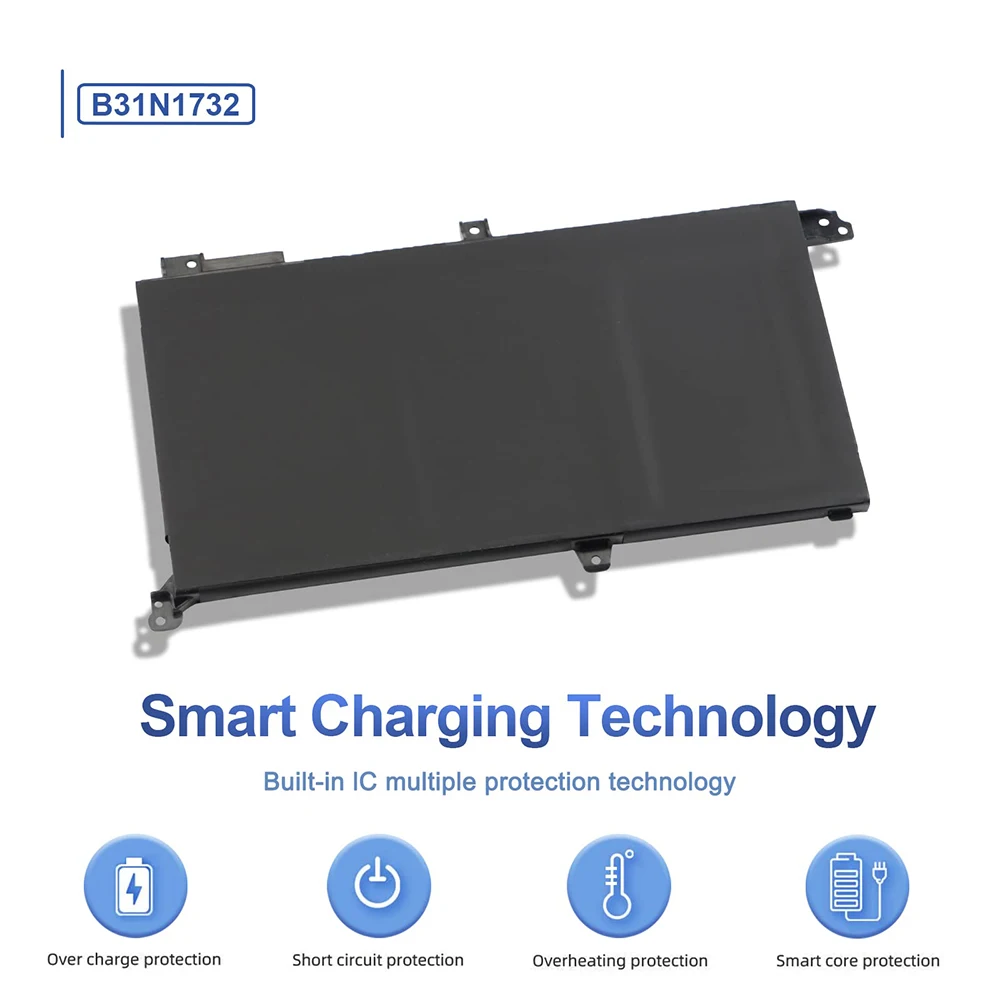
Features 3: Our batteries are designed for maximum safety
Features 4: Overcharge and Overdischarge Circuit Protection
Features 5: Over-temperature and Short-circuit
Features 6: Economical alternative
Features 7: 100% compatible
Features 8: Specifications for safety and performance
High-concerned chemical: none
Model Number: B31N1732
Origin: Mainland China
Package: Yes
Part Number: B31N1732
Type: Li-Ion
Replacement for Part Number:
B31N1732, B31Bi9H, 0B200-02960000, 0B200-02960400.
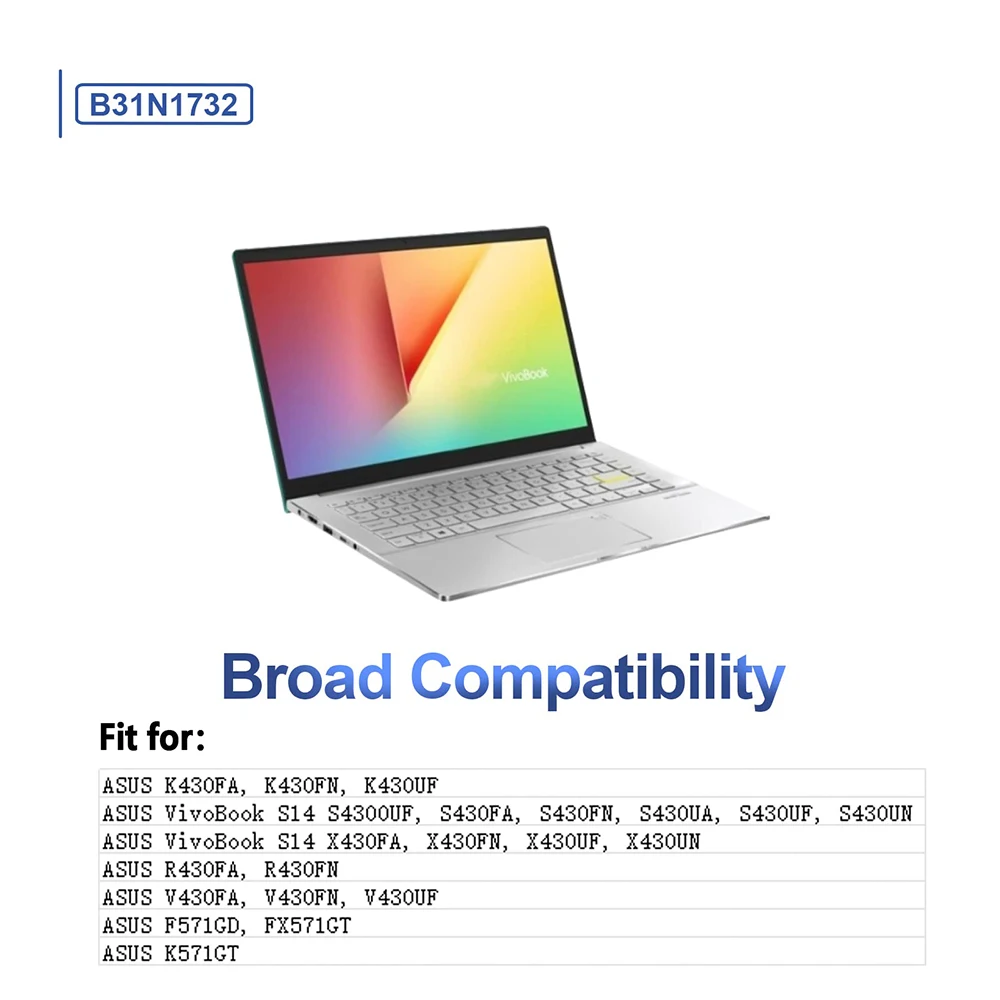
Compatible Models (use "Ctrl+F to find your model quickly")
ASUS VivoBook K430FA K430FN K430UF
ASUS VivoBook S14 S430FA S430FN S430UA S430UF S430UN
ASUS VivoBook S14 X430FA X430FN X430UF X430UN
ASUS R430FA R430FN
ASUS V430FA V430FN V430UF
ASUS F571GD FX571GT K571GT
Not all the compatible laptop models have been listed, please open the back case of your laptop and choose the right battery model according to your laptop's origibal battery.
How to use the new battery correctly?
Laptop Battery Maintenance Tips:
1. When using your new battery for the first time, you need to prime the battery by charging it to 100% and discharging it to 20% for 3 times. If you don't know how to install a new laptop battery, you can search "How to install a new laptop battery?" on website.
2. DO NOT let the battery drain to 0%: If you constantly let it drain to 0%, the battery becomes unstable will be seriously degraded.
3. DO NOT keep your battery always fully charged: Just like emptying your battery to 0%, keeping your battery permanently charged at 100% is very harmful. As time goes by, this will increase its internal resistance and reduce its capacity.
4. Perform regular charging cycles: If you don’t use your Laptop battery very often, it is important to cycle it (discharge => charge) regularly, at least once a month. Please store the unused battery fully charged. Do not store at low power to prevent reduce the lifespan of a battery.
5.The battery life depends on how you use your laptop. If you open a lot of software at the same time, in the office, while listening to music, while browsing the Internet, also watching a movie, then the battery will drain fast; If you don't have a lot of software running on your computer, and you're only on standby or browsing the web, the battery will last longer.
Easy Ways To Maximize Battery Life:
1. Change your laptop power plan settings. I would suggest you choose the power saver plan. Then Change advanced power settings, scroll down to find Processor power management. Click the On-battery option and reduce the processor state to 20%.
2. Always keep your laptop neat and clean. The dust easily enters the hardware through the vents which are meant to release the heat generated from various computer components. It then blocks the vents preventing the outflow of the heat. This damages the computer parts including the battery.
3. Close Wi-Fi, Bluetooth, and other settings. You should keep the Bluetooth and WiFi off when you’re watching movies or doing other things which don’t require network connectivity. This can help your computer save precious battery life.