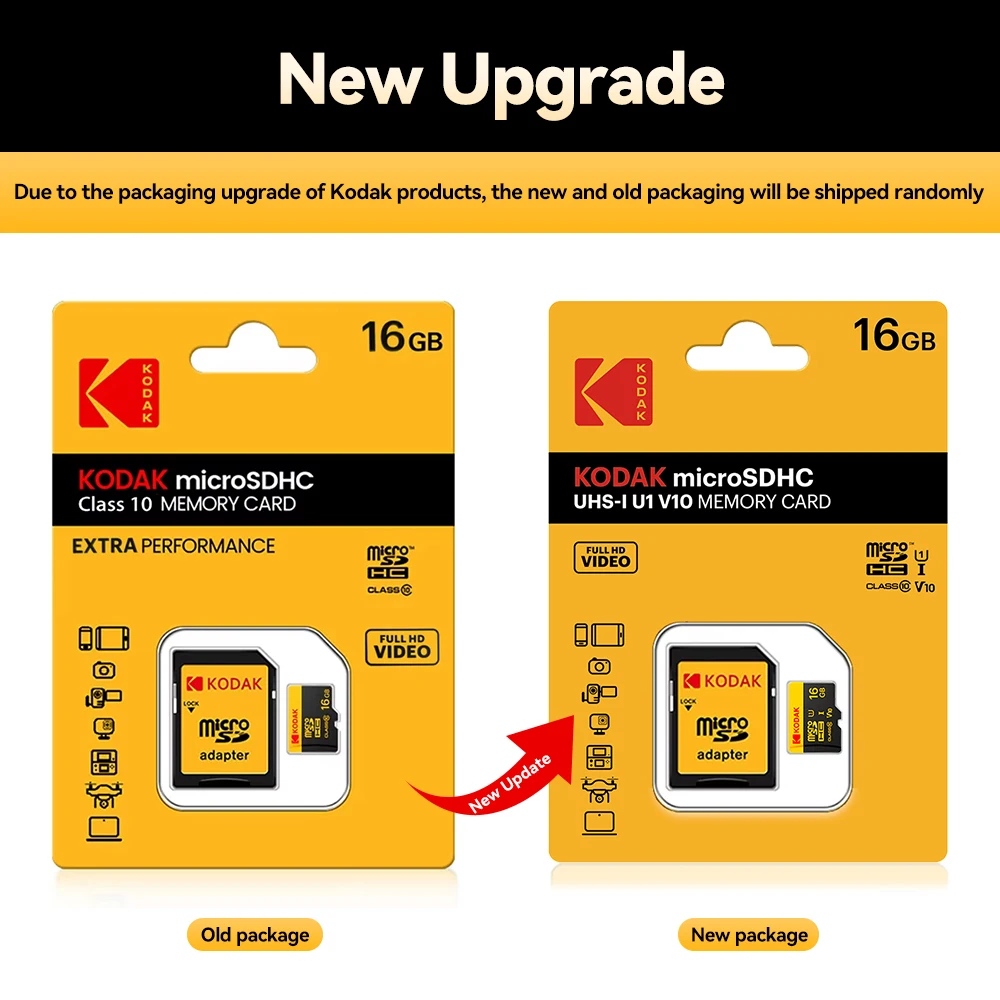
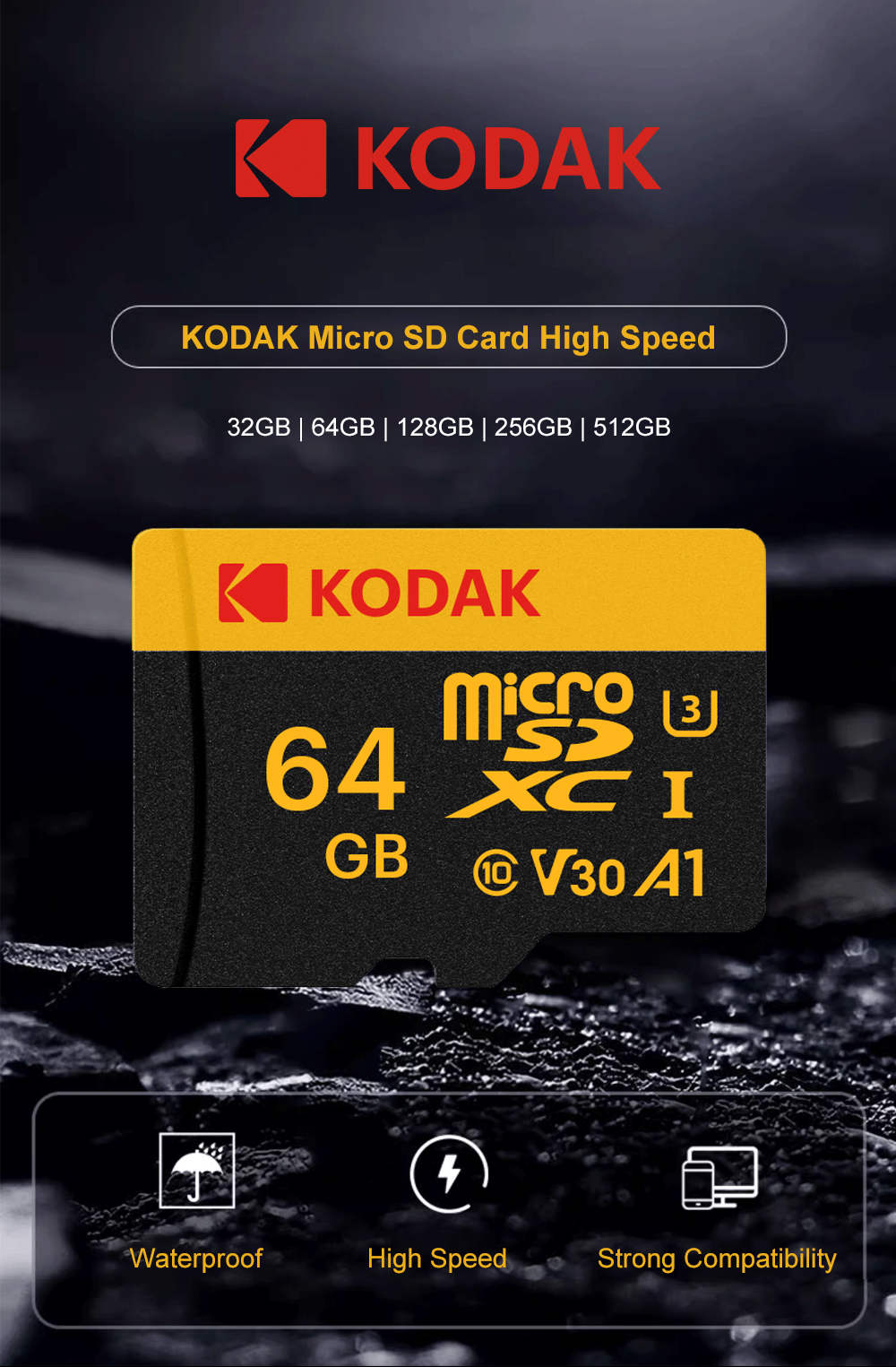
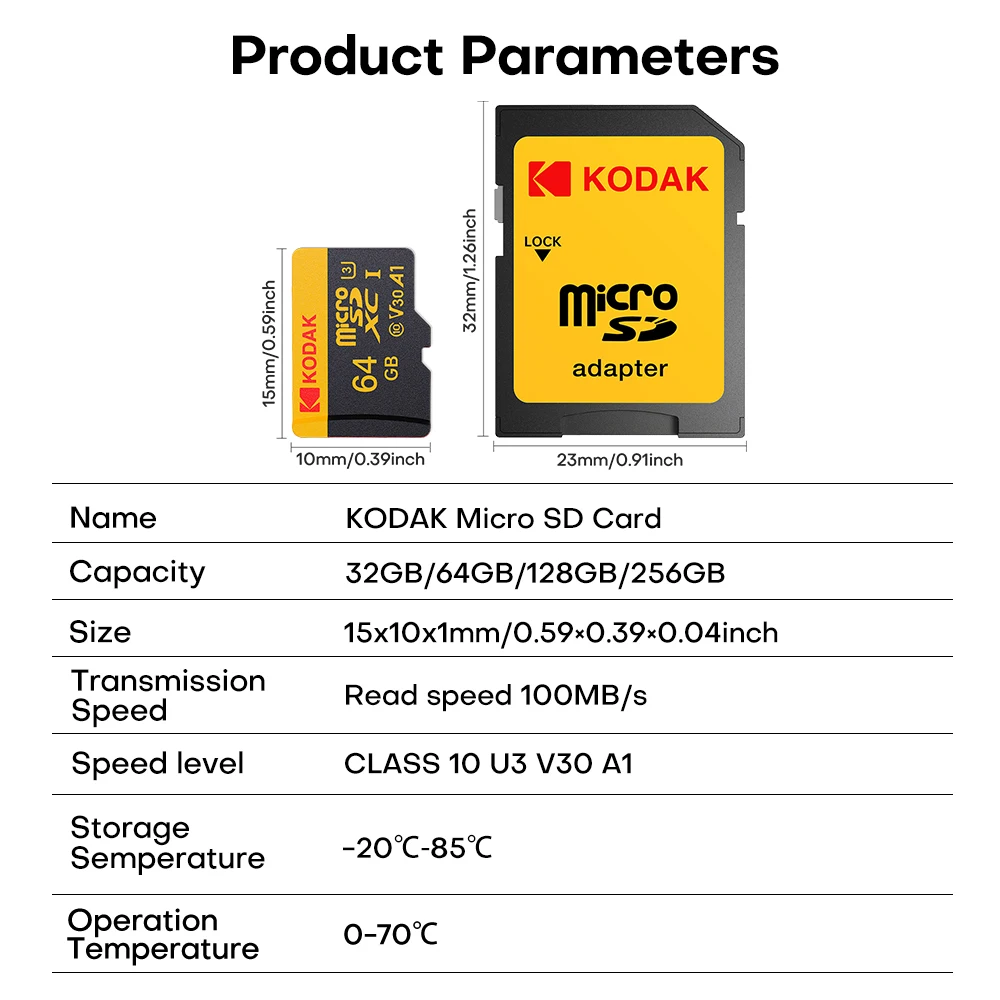
KODAK Micro SD Card Memory Card UP TO 100MB/s C10 U3 32GB 64GB 128GB 256GB TF Card 4K HD For USB Card Reader Adapter Microsd


KODAK Micro SD Card Memory Card UP TO 100MB/s C10 U3 32GB 64GB 128GB 256GB TF Card 4K HD For USB Card Reader Adapter Microsd
SPECIFICATIONS
200004882 Model: TF U3
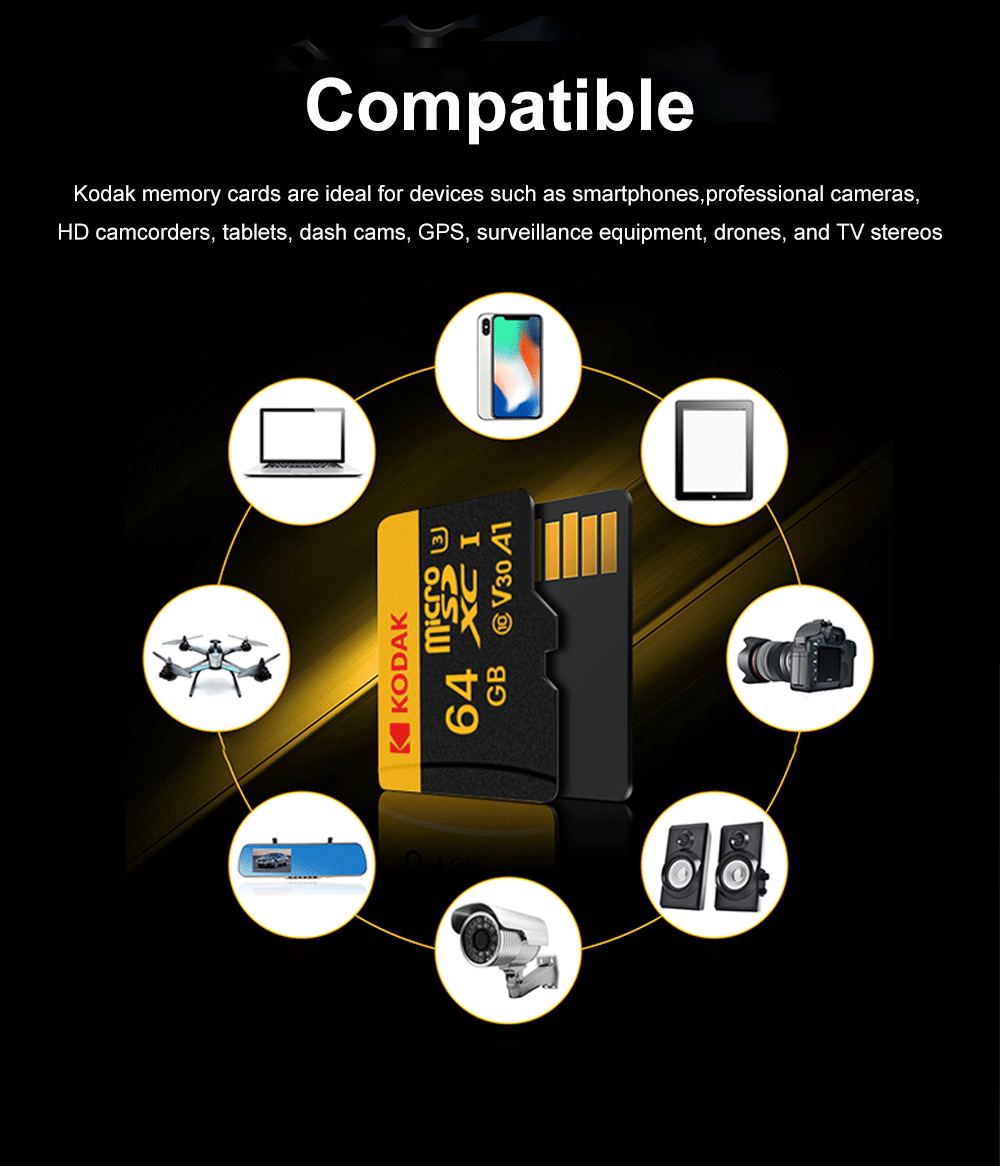
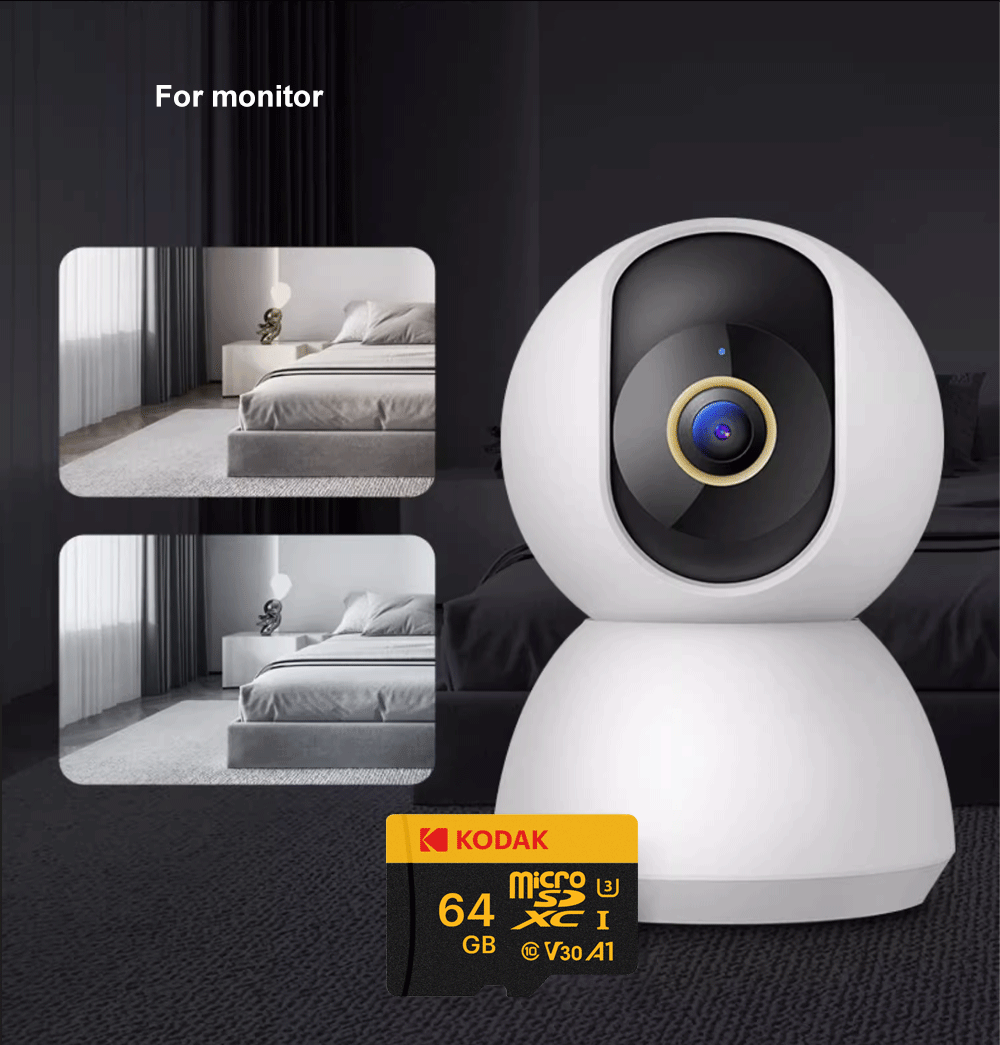
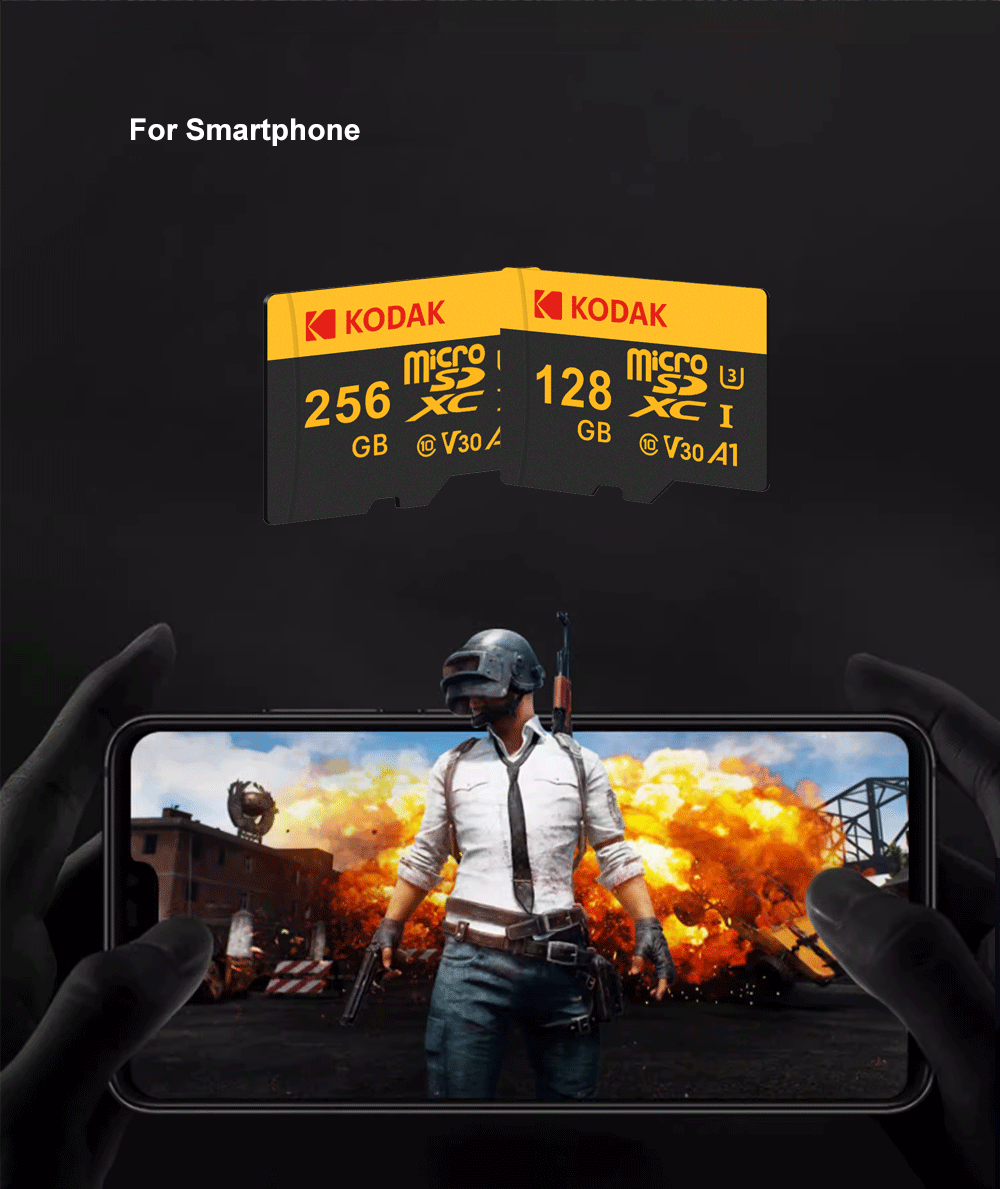
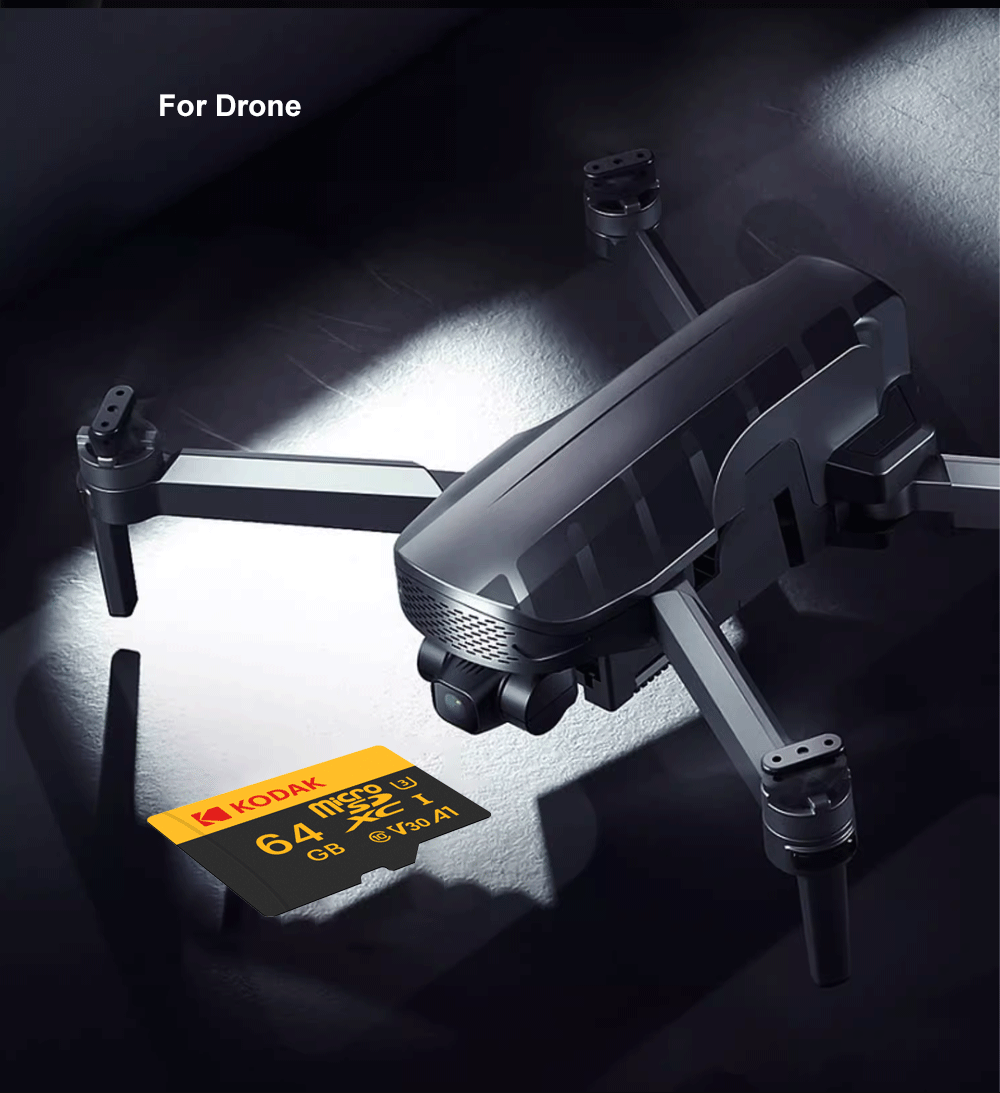
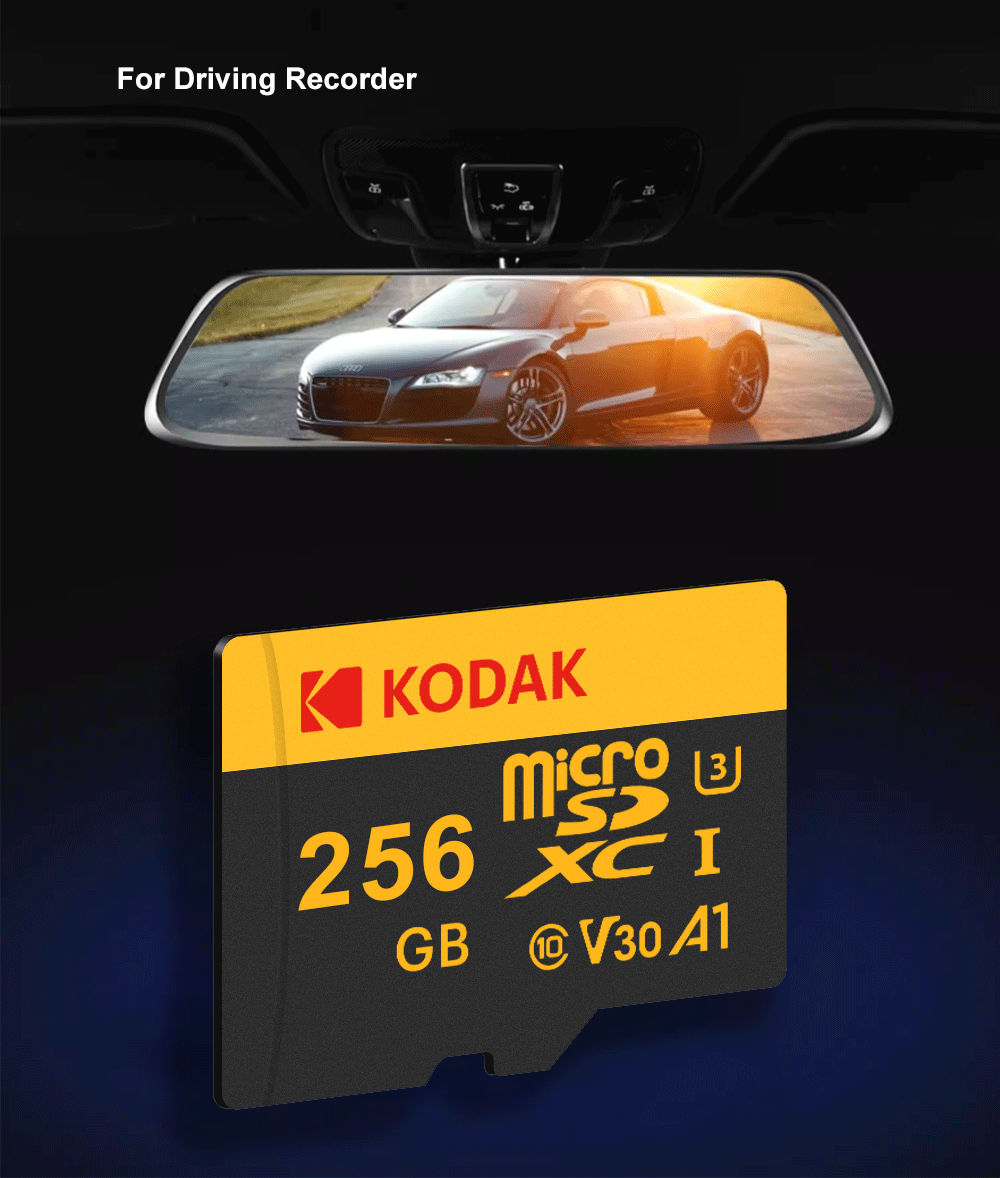
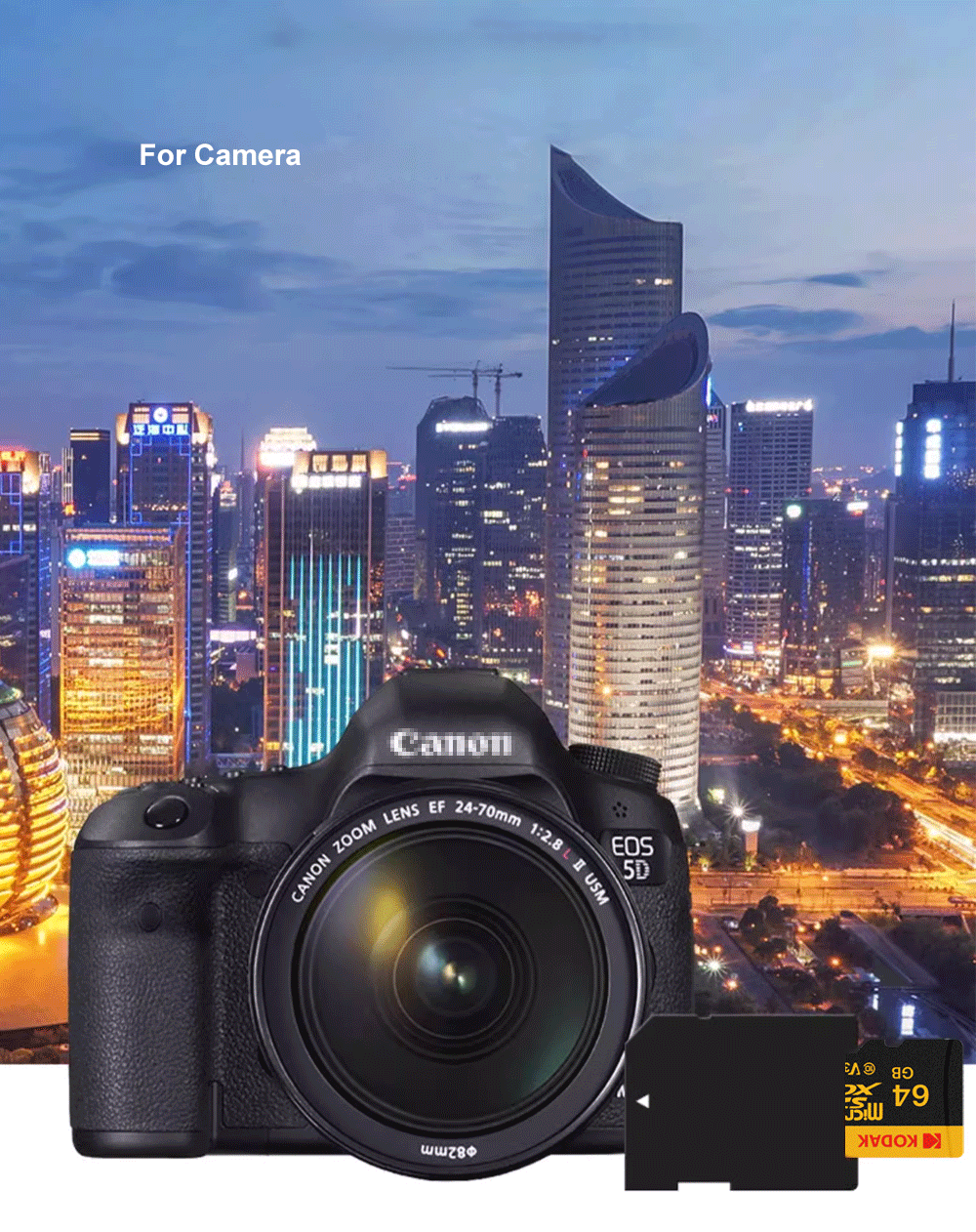
Application: High Speed Read and Write,MOBILE PHONE,TABLET,NOTEBOOK,Tachograph,Camera,Monitoring,Speakers,Digital Devices,Robot,UAV,File Storage,others
Application Performance Class: A1
Brand Name: Kodak
Certification: CE,FCC,RoHS
Choice: yes
Class Level: C10
High-concerned chemical: None
Origin: Mainland China
Package: Yes
Read/Write Speed: 100x
SD Type: microSDXC
Type: TF / Micro SD Card
UHS Level: U3
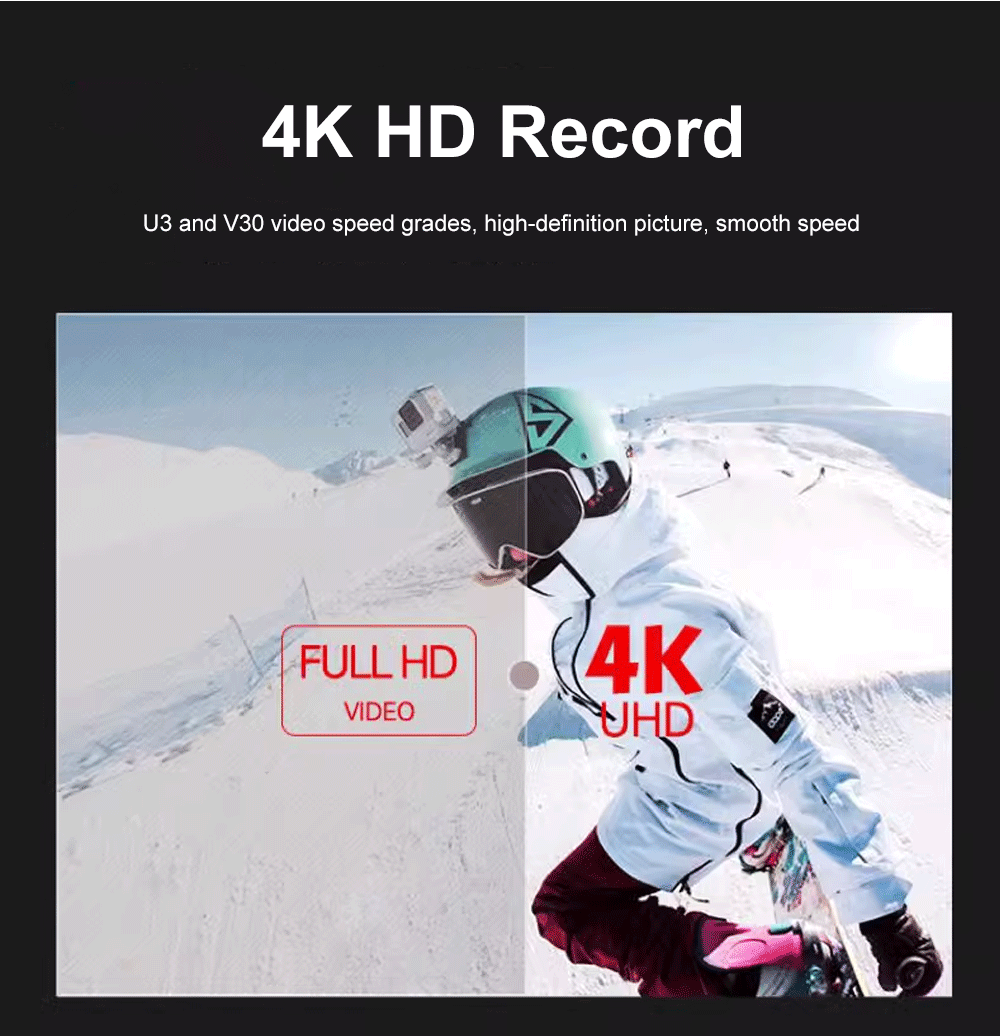
Video Speed Class: V30
• High Storage Capacity :The KODAK Micro SD Memory Card offers up to 512GB storage, providing ample space for your files, photos, and videos.
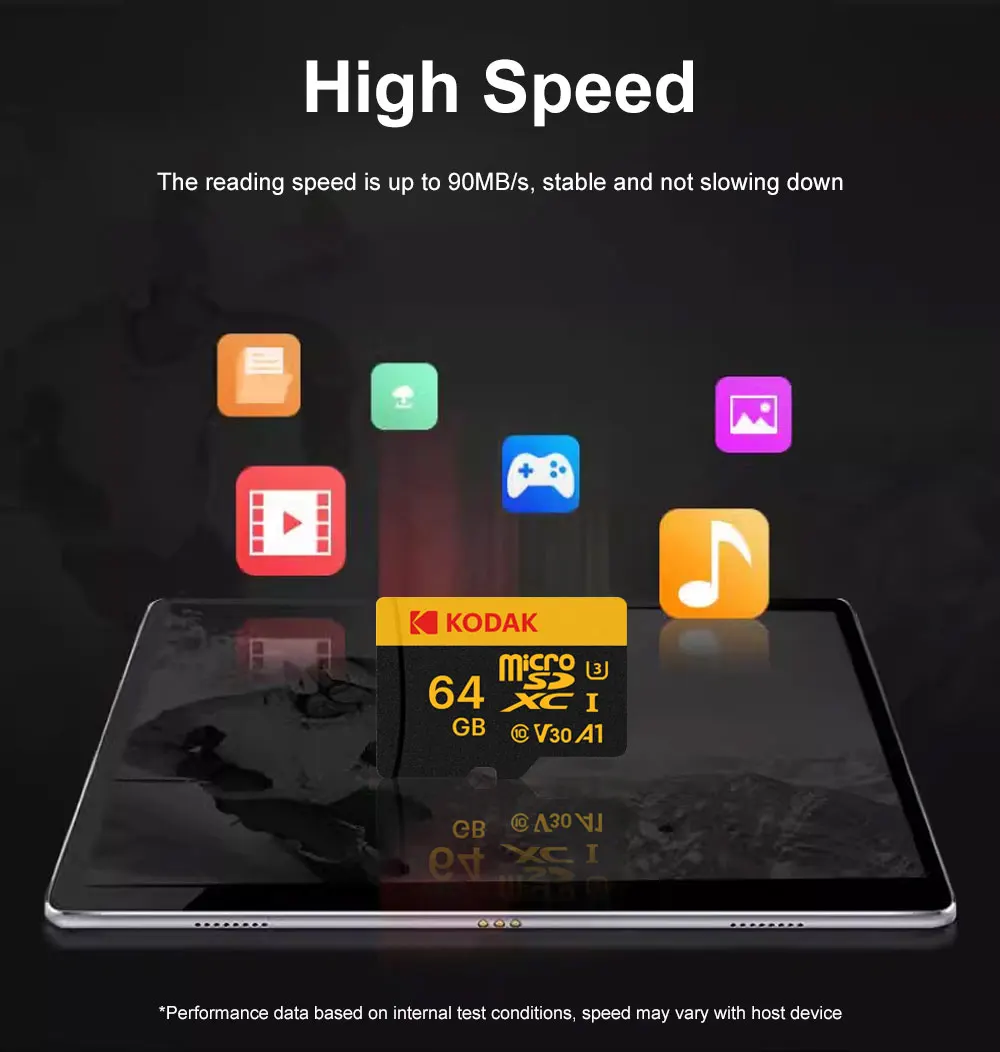
• Superior Speed :With a speed of up to 100MB/s, this memory card ensures quick data transfer and efficient storage performance.
Operating Voltage: 2.7V - 3.6V
About capacity:
32GB=approximately 28GB-30GB
64GB=approximately 58GB-60GB
128GB=approximately 115GB-119GB
256GB=approximately 230GB-238GB
Warm Tips:
How to verify the Capacity and Speed of the memory card?
1). Please use qualit card reader to verify all memory card by H2testw on PC. Real memory card should pass H2testw with no error.
2). Please don't use cheap card reader to test Micro SD card, speed of Micro SD card will be reduced by low quality card reader.
3). Micro SD memory card speed is greatly affected by card reader and the capacity you choose , USB port ect. Low quality device will 100% slow down card speed,1MB=1000KB.
Troubleshooting: Why is my memory card not being recognized?
If your Kodak SD card or microSD card (with adapter) is not detected by your computer, here are the most common reasons and how to fix them.
1️⃣ Check the card reader and USB port first
Try a different USB port (preferably USB 2.0 or USB 3.0 directly on the computer, not a hub).
Test the card reader on another computer. If it still doesn't work, the reader may be faulty.
Make sure your computer's USB drivers are up to date.
2️⃣ Check the card's file system
If the card was used in a camera, phone, or dashcam, it may be formatted as exFAT or EXT4.
Some older computers (e.g., Windows 7 without updates) cannot read exFAT. Reformatting to FAT32 or NTFS may help (⚠️ this will erase all data).
3️⃣ Check for physical damage
Inspect the metal contacts on the card. If they are dirty or oxidized, gently clean with a soft cloth or eraser.
Look for any cracks or bent pins inside the card reader.
4️⃣ Capacity compatibility
Older card readers may not support SDXC cards (64GB and above). If your card is 64GB / 128GB / 256GB, try using a newer USB 3.0 card reader.